Search K
Appearance
👍欢迎大家积极投稿交流👍
如果文档内容陈旧或者链接失效,请发现后及时同步,我将尽快修改
👇微信👇

flex布局是css3中的新布局模块,为盒模型提供了最大的灵活性,可以改进容器中的项目对齐,方向和顺序,flex可以自动调节子元素的高度或者宽度
决定主轴方向
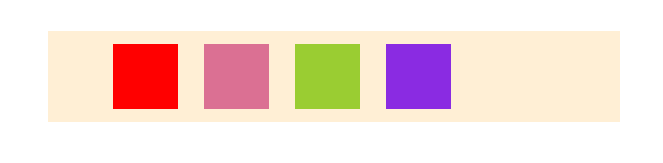
row:水平方向 左 --> 右示例
<ul id="father">
  <li class="child1 child"></li>
  <li class="child2 child"></li>
  <li class="child3 child"></li>
  <li class="child4 child"></li>
</ul>#father {
display: flex;
flex-direction: row;
position: absolute;
left: 50%;
top: 100px;
transform: translateX(-50%);
width: 400px;
background-color: papayawhip;
}
.child {
width: 50px;
height: 50px;
margin: 10px;
display: block;
}
.child1 {
background-color: red;
}
.child2 {
background-color: palevioletred;
}
.child3 {
background-color: yellowgreen;
}
.child4 {
background-color: blueviolet;
}设置子元素的换行方式
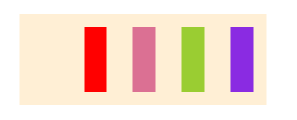
nowrap:不换行接着上面的示例更改一下父容器的属性,下面的示例 flex-direction属性为row
#father {
  /* 改动的属性 */
  width: 150px;
}其为 flex-direction 与flex-wrap的简写
flex-flow: flex-direction flex-wrap;用上面的例子
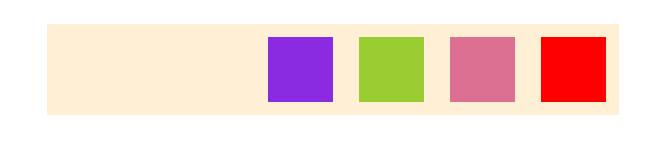
#father {
  flex-direction: row-reverse;
  flex-wrap: nowrap;
}
等价于
#father {
  flex-flow: row-reverse nowrap;
}设置子元素在父容器主轴上的对齐方式
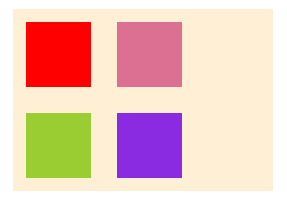
flex-start:左对齐继续改动父元素的部分样式做实验
#father {
  width: 200px;
  flex-flow: row wrap;
  justify-content: flex-start;
  padding: 0;
}flex-start子元素在交叉轴上的对齐方式
stretch:未设置高度,将占满整个容器高度#father {
width: 300px;
height: 300px;
padding: 0;
flex-flow: row wrap;
justify-content: space-around;
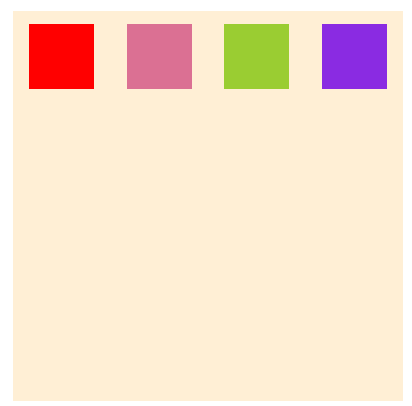
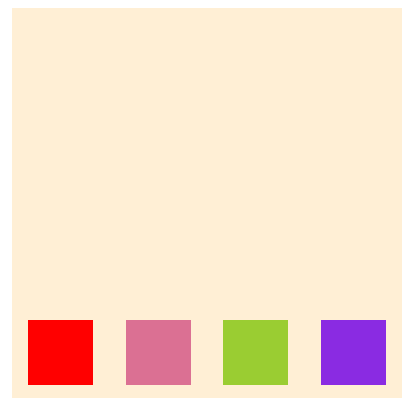
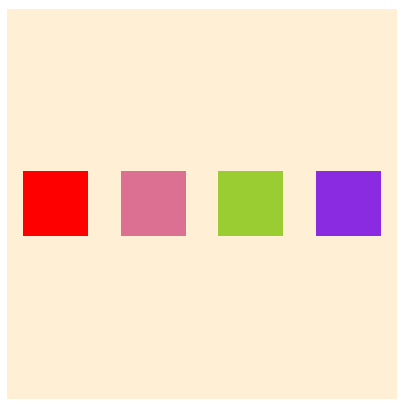
align-items: flex-start;
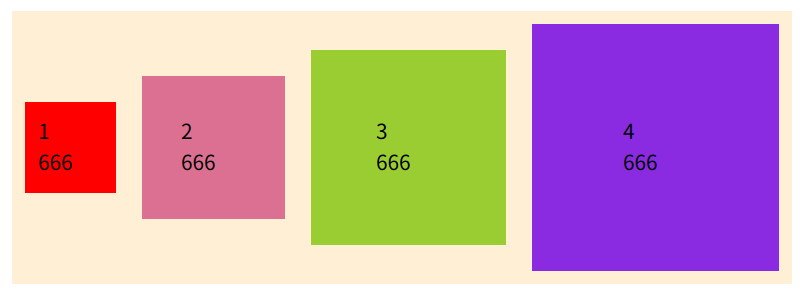
}#father {
flex-flow: row wrap;
justify-content: center;
width: 600px;
padding: 0;
align-items: baseline;
}<ul id="father">
<li class="child1 child" style="padding: 10px;">1<br />666</li>
<li class="child2 child" style="padding: 30px;">2<br />666</li>
<li class="child3 child" style="padding: 50px;">3<br />666</li>
<li class="child4 child" style="padding: 70px;">4<br />666</li>
</ul>去掉子元素的height属性
.child {
  /* height:50px */
}多行情况下的对齐方式,类似justify-content的对齐方式
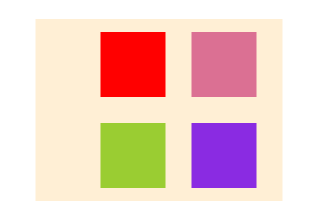
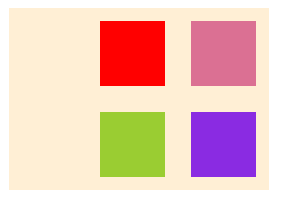
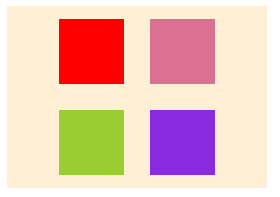
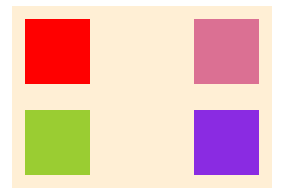
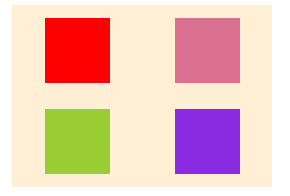
stretch:占满整个空间,下方留一些空白测试用例
#father {
  display: flex;
  position: absolute;
  left: 50%;
  top: 100px;
  transform: translateX(-50%);
  background-color: #ffefd5;
  width: 400px;
  flex-flow: row wrap;
  justify-content: center;
  padding: 0;
}

.child {
  width: 50px;
  height: 50px;
  margin: 10px;
  display: block;
}
.child1 {
  background-color: red;
}
.child2 {
  background-color: palevioletred;
}
.child3 {
  background-color: yellowgreen;
}
.child4 {
  background-color: blueviolet;
}<ul id="father">
<li class="child1 child">1</li>
<li class="child2 child">2</li>
<li class="child3 child">3</li>
<li class="child4 child">4</li>
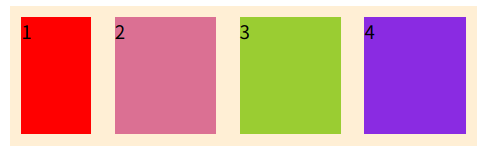
</ul>规定子元素的排列顺序,数值越小越靠前,默认0
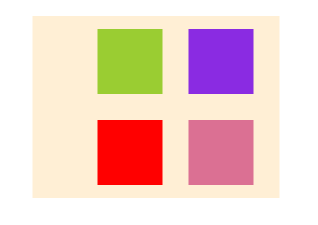
为child3,child4加上order
.child3 {
order: -1;
}
.child4 {
order: -2;
}加之前
加之后
子元素放大比例,剩余空间不足则不会放大,默认0
注释掉子元素的宽高
.child {
/* width: 50px; */
/* height: 50px; */
margin: 10px;
display: block;
flex-grow: 1;
}改动第三个
.child3 {
flex-grow: 2;
}块3就是其它块的两倍宽度
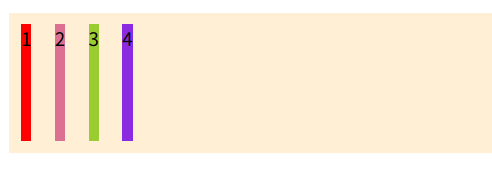
规定子元素的缩小比例,默认1,空间不足则会缩小
修改部分样式
#father {
flex-flow: row nowrap;
}
.child {
width: 100px;
height: 100px;
}
.child1 {
flex-shrink: 3;
}修改子元素占据主轴空间的大小,默认auto为子元素的实际宽度
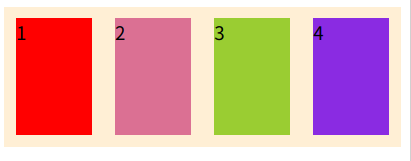
测试用例
#father {
display: flex;
background-color: #ffefd5;
flex-flow: row nowrap;
padding: 0;
}
.child {
height: 100px;
margin: 10px;
display: block;
flex-basis: auto;
}
.child1 {
background-color: red;
}
.child2 {
background-color: palevioletred;
}
.child3 {
background-color: yellowgreen;
}
.child4 {
background-color: blueviolet;
}<ul id="father">
<li class="child1 child">1</li>
<li class="child2 child">2</li>
<li class="child3 child">3</li>
<li class="child4 child">4</li>
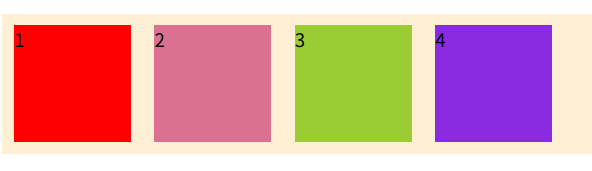
</ul>设置flex-basis为100px时
.child {
flex-basis: 100px;
}空间充足
空间不足
即当不设置width宽度时就以设置的flex-basis属性作为子元素在主轴上的宽度
flex是flex-grow,flex-shrink,flex-basis的缩写,默认0 1 auto,后两个属性可选
flex: flex-grow flex-shrink flex-basis;允许单个子元素与其它子元素有不同的对齐方式,可覆盖align-items属性 默认值auto
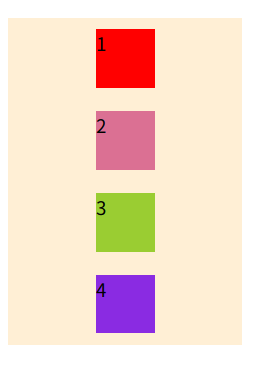
示例
<ul id="father">
  <li class="child1 child">1</li>
  <li class="child2 child">2</li>
  <li class="child3 child">3</li>
  <li class="child4 child">4</li>
</ul>#father {
display: flex;
width: 200px;
background-color: #ffefd5;
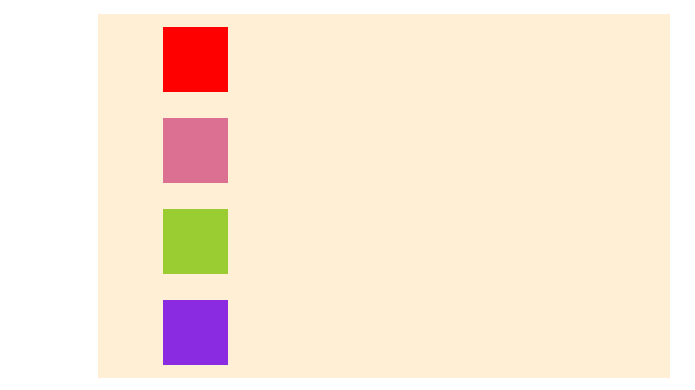
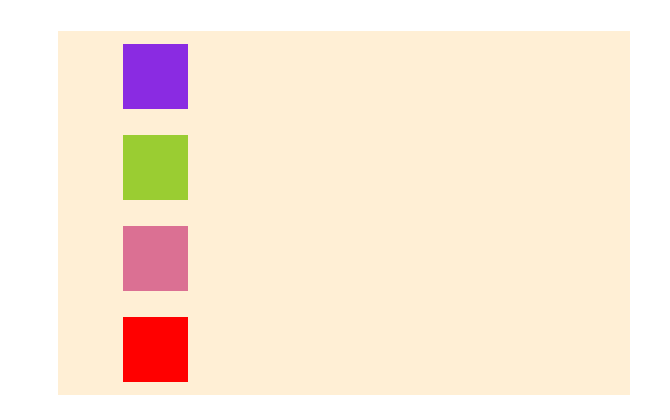
flex-flow: column nowrap;
padding: 0;
align-items: center;
}
.child {
width: 50px;
height: 50px;
margin: 10px;
display: block;
}
.child1 {
background-color: red;
}
.child2 {
background-color: palevioletred;
}
.child3 {
background-color: yellowgreen;
}
.child4 {
background-color: blueviolet;
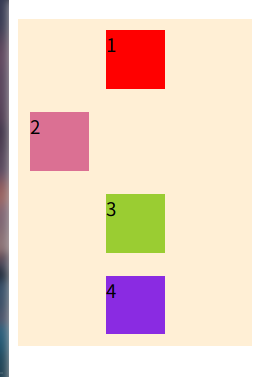
}让第二个左对齐
.child2 {
  align-self: flex-start;
}
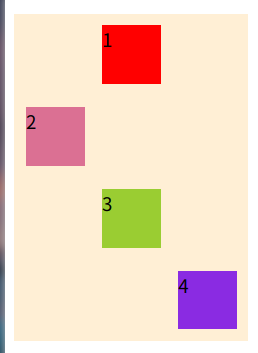
接着让第四个右对齐
.child4 {
  align-self: flex-end;
}